
Grade Calculator: Find Your Current Class Grade
Add your assignments, quizzes and tests with their weights, and this grade calculator instantly shows your overall class percentage and letter grade. It works whether your teacher uses weighted categories or total points.
Enter your grades
Grade can be a percent (88), a fraction (44/50) or a letter (B+). In points mode, enter points earned and points possible as a fraction (44/50) and leave weight blank.
How to Use This Grade Calculator
Pull up your syllabus and your online gradebook, such as Canvas, Google Classroom, PowerSchool or Blackboard, then:
- Choose the weight type. If your syllabus lists categories like “Homework 20%, Tests 50%,” keep Weights in %. If every assignment is worth a number of points, switch to Total points.
- Enter each assignment or category. Type the grade as a percent (88), a score (44/50) or a letter (B+).
- Add the weight. Use the category’s percentage from the syllabus.
- Read your result. The grade calculator shows your current percentage, the matching letter grade, and how much of the course is graded so far.
Everything updates as you type, so you can try “what if” scenarios. What happens if you score 95 on the next quiz? Just change the number and watch your grade move.
How Weighted Grades Work
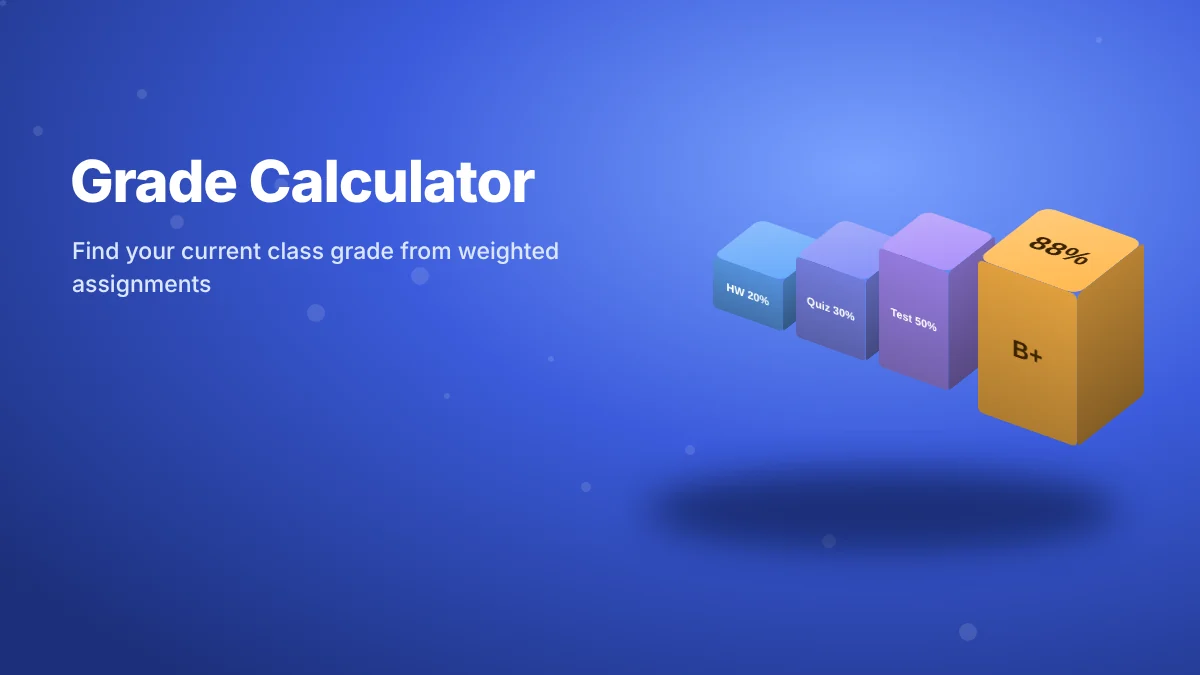
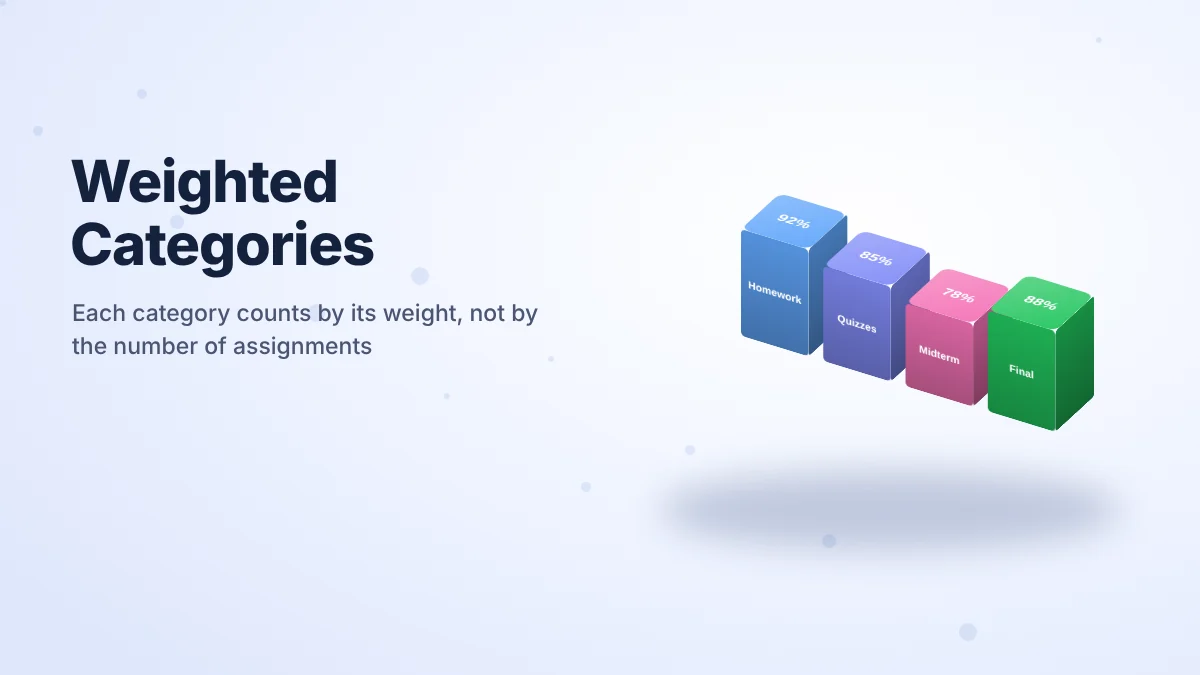
Most high school and college classes use weighted categories. Each category, like homework, quizzes, projects or exams, counts for a set share of your final grade, no matter how many assignments are inside it. Ten homework assignments might together be worth only 20%, while two tests are worth 50%.
Example: Homework 92% (weight 20), Quizzes 85% (weight 30), Tests 88% (weight 50).
(92×20 + 85×30 + 88×50) ÷ 100 = (1,840 + 2,550 + 4,400) ÷ 100 = 87.9%, a B+.
That’s exactly the example pre-loaded in the weighted grade calculator above, so you can see the math in action before adding your own numbers.
What if only part of the course is graded?
Early in a semester, maybe only homework and one quiz are graded, which is 35% of the course. A good grade calculator divides by the weights you’ve actually entered (35), not by 100. Otherwise your grade looks far lower than it really is. Ours does this automatically and tells you how much of the course is still to come.
How to Calculate a Points-Based Grade
Some teachers skip categories and simply add up points. In that case your grade is:
If you’ve earned 412 out of 465 possible points, your grade is 412 ÷ 465 = 88.6%. In Total points mode, enter each score as a fraction like 18/20, and the class grade calculator adds everything up for you. A 100-point test automatically counts five times as much as a 20-point quiz.
Test Grade Calculator: Turning a Score into a Percent
To find the percentage on a single test, divide the points you earned by the points possible. Missing 6 questions out of 40 gives 34 ÷ 40 = 85%. Type “34/40” into any row to convert it instantly. This test grade calculator shortcut also works for quizzes, labs and essays scored on a rubric.
Percent to Letter Grade Chart
| Letter | Percent | Letter | Percent |
|---|---|---|---|
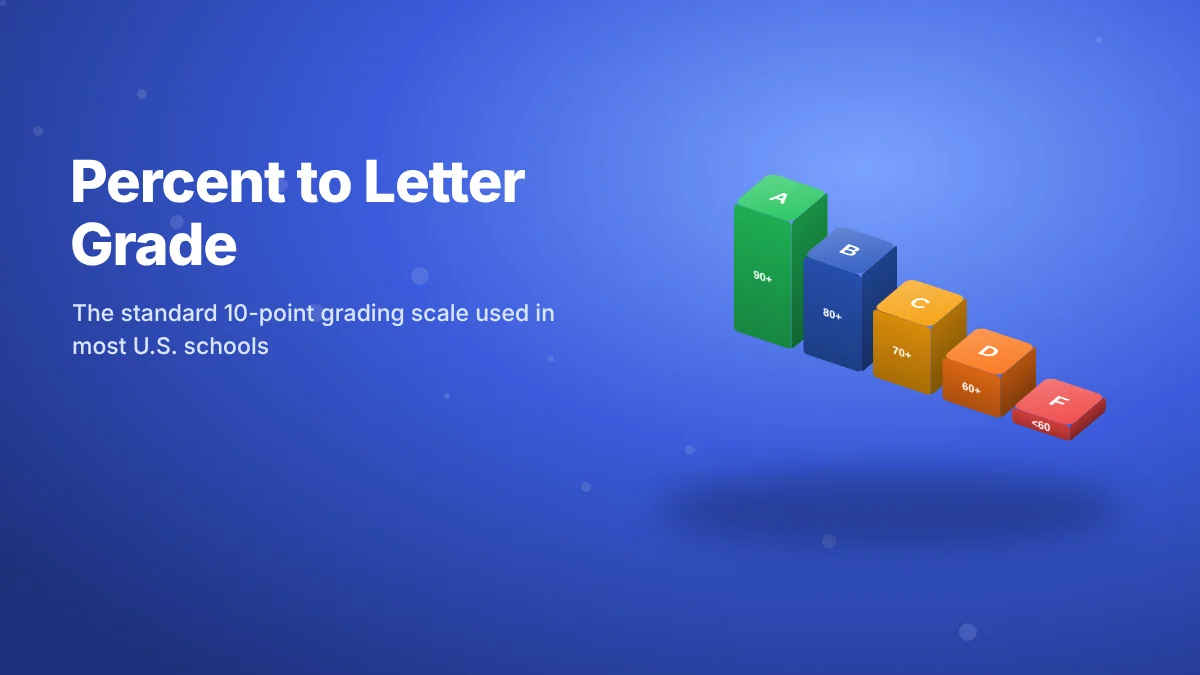
| A+ | 97–100 | C+ | 77–79 |
| A | 93–96 | C | 73–76 |
| A- | 90–92 | C- | 70–72 |
| B+ | 87–89 | D+ | 67–69 |
| B | 83–86 | D | 63–66 |
| B- | 80–82 | D- | 60–62 |
| F | Below 60 |
This is the common 10-point scale. Some schools use a 7-point scale (93 for an A) or skip plus/minus grades, so check your syllabus. When you type a letter into the calculator, it uses a typical value for that letter: A = 95, B+ = 88, and so on.
Semester Grade Calculator: Combining Quarters
Many high schools build a semester grade from two quarter grades plus a semester exam, often 40% + 40% + 20%. Enter “Quarter 1,” “Quarter 2” and “Semester exam” as three rows with those weights, and the tool works as a semester grade calculator too.
Common Grade Calculation Mistakes
- Averaging assignments equally when categories are weighted. A perfect homework streak can’t make up for low test scores if tests are 50%.
- Dividing by 100 too early when only part of the course is graded.
- Forgetting dropped grades. If your teacher drops the lowest quiz, leave it out.
- Ignoring extra credit rules. Some teachers add it to a category, others to the final total.
- Trusting a stale gradebook. Ungraded “0s” for missing work can drag the number down until they’re entered.
From Class Grade to Final Exam to GPA
Your class grade is one piece of a bigger picture. If finals are coming, our final exam calculator shows the exact score you need to reach an A, B or C. Once your letter grades are in, our GPA calculator turns them into your semester and cumulative GPA.
Grade Calculator FAQs
How do I calculate my grade?
Multiply each category’s grade by its weight, add those results, then divide by the total weight. Or enter your scores into the grade calculator above and it does the math instantly.
How do weighted grades work?
Each category counts for a fixed percentage of your final grade, regardless of how many assignments it contains. A test category worth 50% affects your grade far more than homework worth 20%.
What is my grade if I have 85% on assignments worth 40% and 92% on tests worth 60%?
(85×40 + 92×60) ÷ 100 = 89.2%, which is a B+ on a standard scale.
Can I use letter grades in the calculator?
Yes. Type a letter such as A- or B+, and the calculator uses a typical percentage for that letter. For the most accurate result, use the exact percentage from your gradebook.
Why is my grade different from my teacher’s gradebook?
Usually because of dropped scores, extra credit, missing assignments counted as zero, or a different rounding rule. Check your syllabus for the exact policy.
Is this grade calculator free?
Yes. It’s completely free, works on any device, and your grades never leave your browser.